Overview
It all started with a simple question: What do people genuinely need in their everyday lives? As our team gathered around, exchanging ideas shaped by our own experiences, one challenge stood out; something that had recently disrupted our routines. Our campus pharmacy had just closed, leaving many of us scrambling to figure out how to pick up prescriptions, especially reproductive health products.
This wasn’t just a personal inconvenience; it highlighted a broader need for a more accessible, secure, and stigma-free solution. That realization sparked an idea, setting the foundation for our project.
Problem
Even with available resources, students often struggle to access reproductive and sexual health products due to stigma, cost, and privacy concerns. Limited availability and lack of discreet options create barriers, leading to frustration and unmet health needs.
Solution
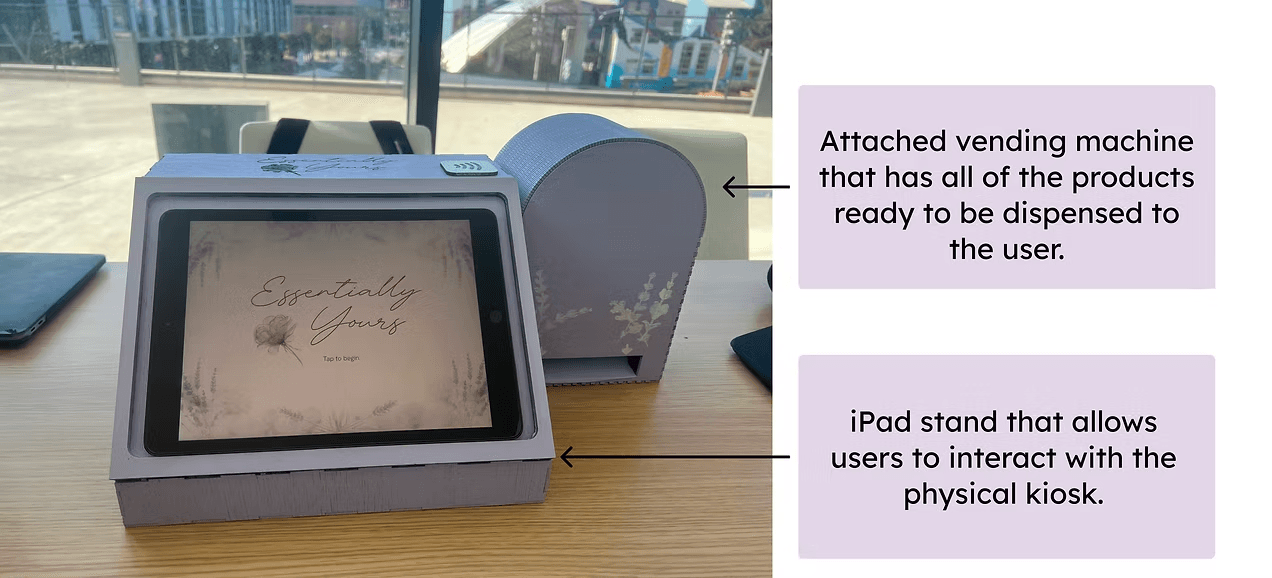
The Essentially Yours Kiosk provides a private, affordable, and discreet solution for accessing reproductive and sexual health products. By creating an interactive kiosk tailored to student needs, we aim to reduce stigma, increase accessibility, and improve health outcomes in the community.
Online Research
Secondary Research: Understanding the Gaps
- In 2021 - 45% of women faced at least one barrier to accessing reproductive healthcare, 19% faced three or more. These barriers aren’t just about logistics, they’re about cost, stigma, and limited access.
- Kiosks are transforming healthcare delivery, making services cheaper, faster, and more accessible. But there’s a catch: A review of 37 health kiosk studies found none addressed reproductive health.
- This gap was clear, the technology exists, BUT it’s not being used where it’s needed most.
Competitive Analysis
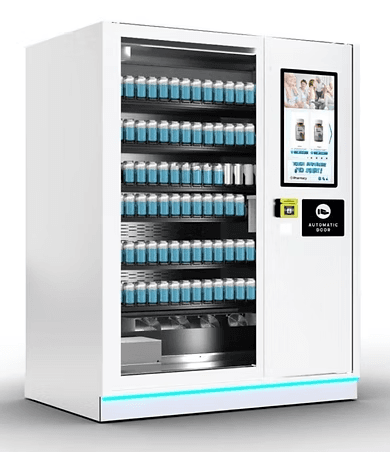
This vending machine dispenses reproductive and sexual health products, targeting accessibility on college campuses. However, it lacks clear measures to ensure user safety and privacy, and its locations are not clearly disclosed.
User Research - Validation Survey Key Findings
Top Accessibility Barriers for Accessing Contraceptives & Reproductive Health Products:
- Stigma: 35/67 respondents indicated that the fear of judgment or stigma often discourages them from obtaining necessary products.
- Cost: 28/67 respondents indicated that due to the cost of products, it prevents them from accessing the products and care they need.
- Privacy: 22/67 respondents indicated that privacy concerns prevent them from purchasing products and accessing care.
Guerilla Interviews
To gain deeper insights into the challenges of accessing reproductive and contraceptive care, we conducted interviews with community members and professional health advocates.
Key Interview Takeaways
Education
Certain products have notable side effects that users need to be aware of before taking them. Providing support and educational resources is crucial to ensuring their safety and well-being.
Privacy
Stigma can be a major barrier to taking action. Safeguarding user privacy is key to ensuring their comfort and confidence.
Safety
Ensure proper and safe use of these products while encouraging users to seek guidance from medical professionals.
Associate Director for Education
UCSD Women’s Center
“There’s some very real medical implications that would come with a kiosk specifically for accessing birth control.”
-Hannah Aksamit, M.Ed

Director of Operations
Beach Area Family Health Center
“Many are not aware that they can seek services on a confidential level and don't always need to have parents' knowledge of what going on.”
-Anonymous

How we pivoted: Prescribed Contraceptives --> Reproductive & Sexual Health Products
As we brought our idea into the real world through guerrilla interviews, we uncovered an important concern. Many prescribed contraceptives can carry serious health risks, especially for people with pre-existing conditions, and without guidance from a healthcare professional, users could unknowingly make unsafe choices.
That insight shifted our direction. Instead of focusing on prescribed contraceptives, we pivoted toward over-the-counter reproductive and sexual health products like Plan B, Opill, condoms, menstrual products, lubrication, and pregnancy tests.
We also realized access to products alone was not enough. People needed clear, accessible information in the moment they were making decisions, so our solution evolved to include educational resources directly within the checkout experience in a private, judgment-free way.
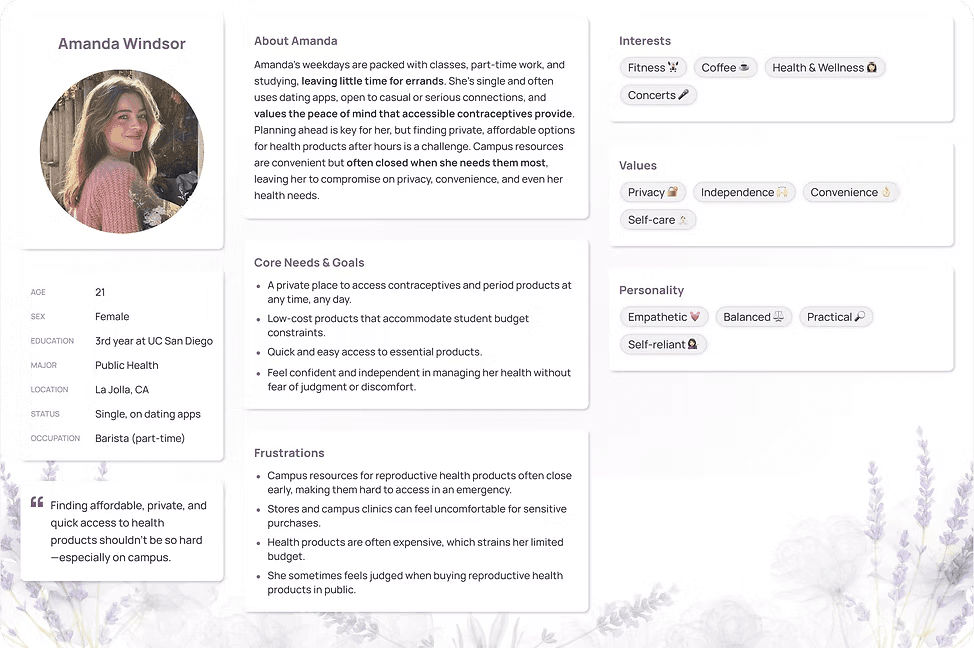
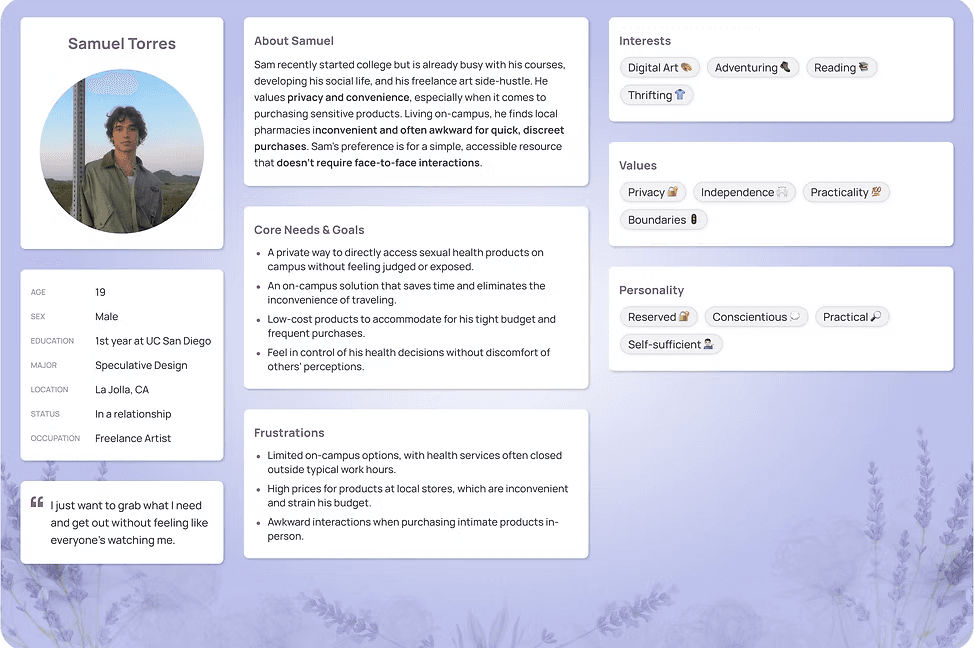
User Personas
Based on insights from our interviews and observations, we synthesized the data into key design artifacts. We created a user persona to capture the experiences, needs, challenges, and goals of our target audience, providing a clear foundation for our design decisions.
Storyboards
Our Mission
We aim to design a 24/7 interactive kiosk at UC San Diego to provide students with private, affordable, and discreet access to essential reproductive and sexual health products, reducing barriers and promoting well-being.
Physical & Digital Prototyping
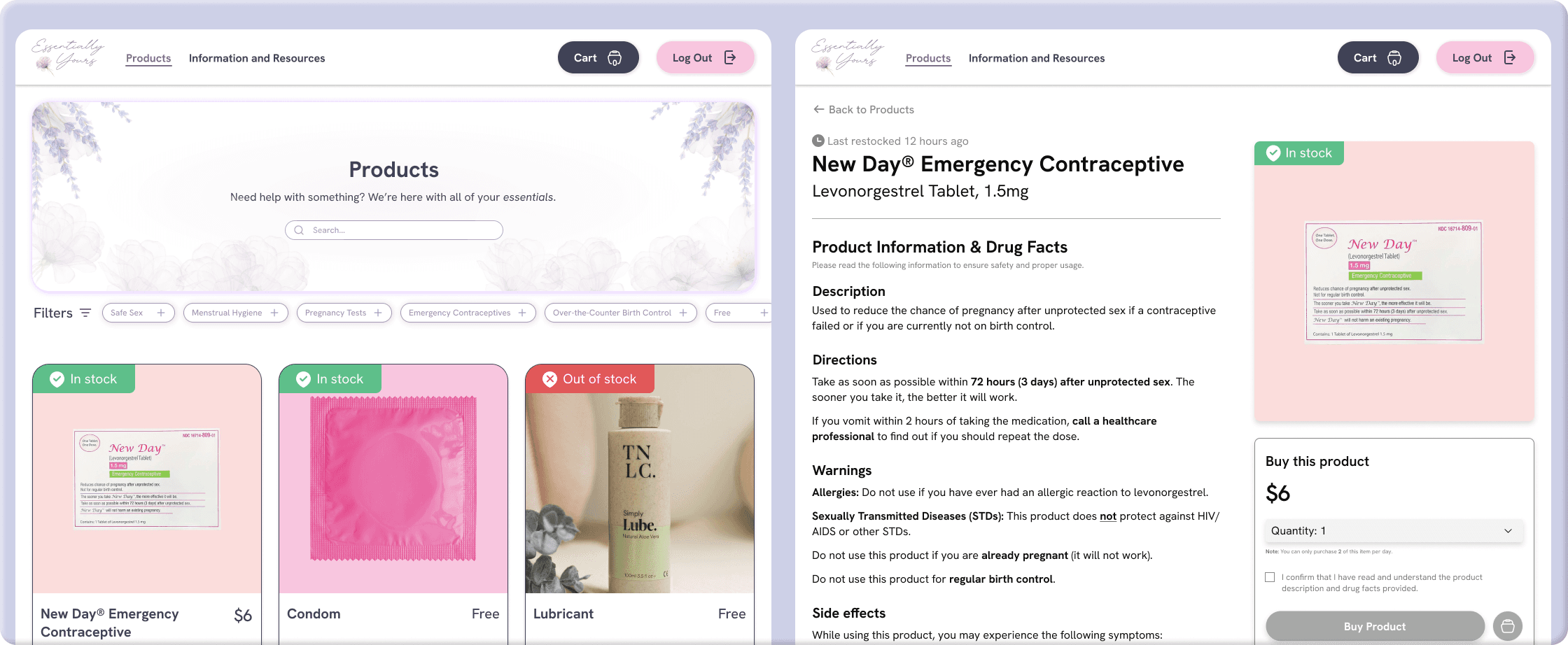
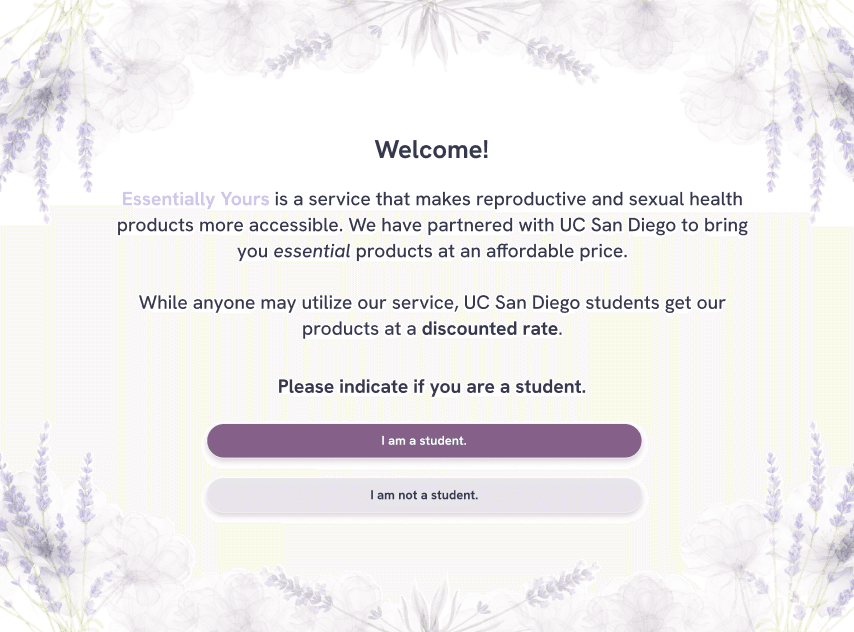
After days of brainstorming and iteration, we landed on a calming lavender and flowing water theme that captured the sense of relaxation and peace we wanted to create. That vision carried into our mid-fidelity designs through floral and lavender elements, shaping both the kiosk’s aesthetic and logo.
Style Guide
Mid Fidelity Screens
Welcome · pink concept
Hi Fidelity Screens
Tap to begin
User Testing
We went beyond a just a Figma prototype.
After building our prototype, we wanted to see how people would actually interact with it. We tested the kiosk in person and observed where users hesitated, what they understood immediately, and what needed more explanation. This is where the design started to change.
Top 5 errors we found during user testing:
Contact Information Input Ignored → users did not input contact info to receive health resources.
Removing items from cart was unclear → Users attempted to use “-” button instead of swiping left.
Acknowledgement Box Overlooked →Users skipped this step, preventing checkout
Post-Purchase Confusion → Users continued beyond the thank you screen unintentionally.
Hidden Suggested Products → Users did not notice the additional recommendations.
Reflection
Designing for something that can feel difficult to talk about.
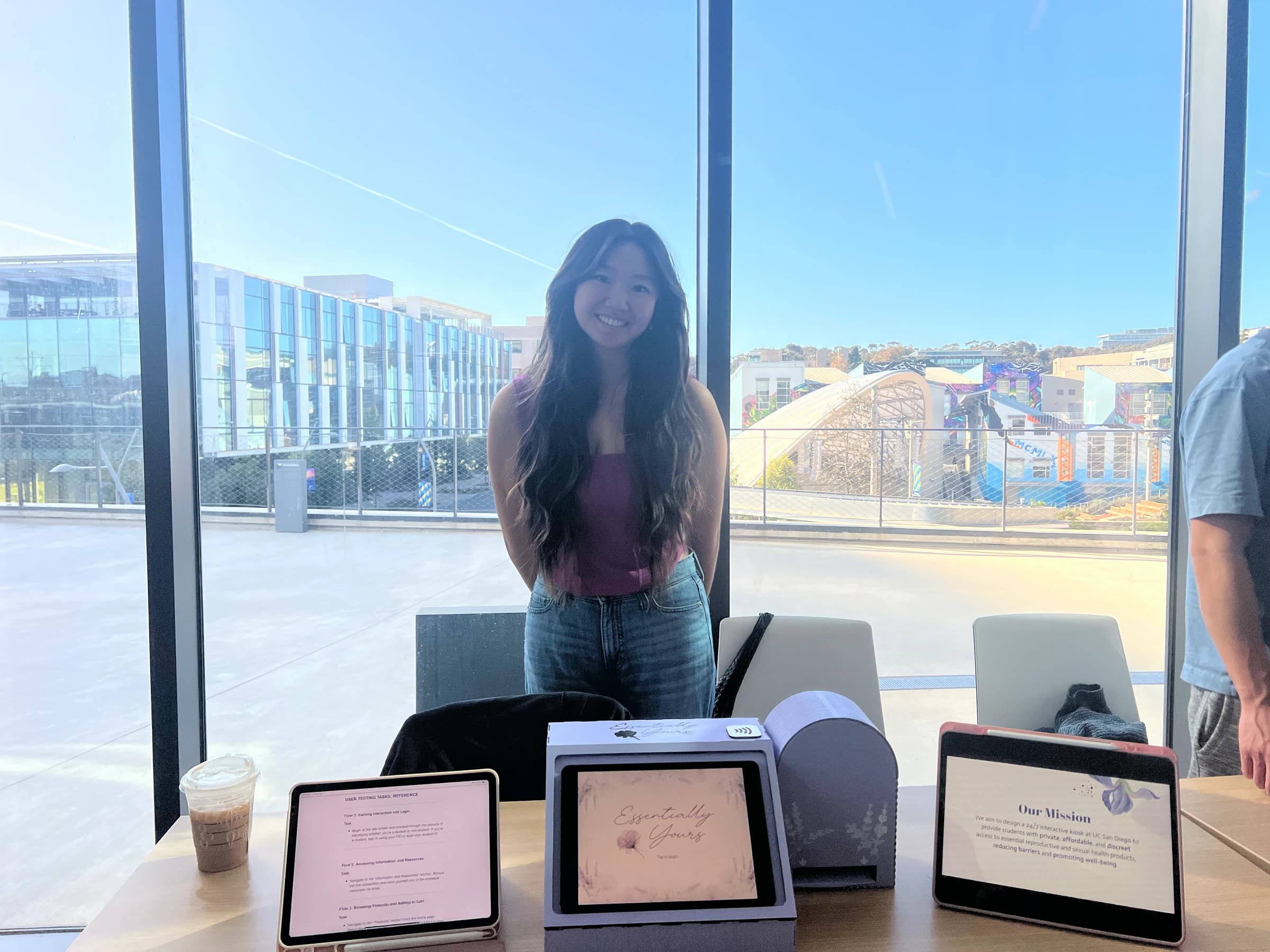
This project pushed me beyond my comfort zone, from laser cutting to designing for real, sensitive issues that affect students every day, including myself. Through research, testing, and iteration, we created an entirely new, user-centered solution that addresses accessibility concerns, making it one of the most rewarding projects I’ve built from the ground up.
Next Steps
Acknowledgements :)
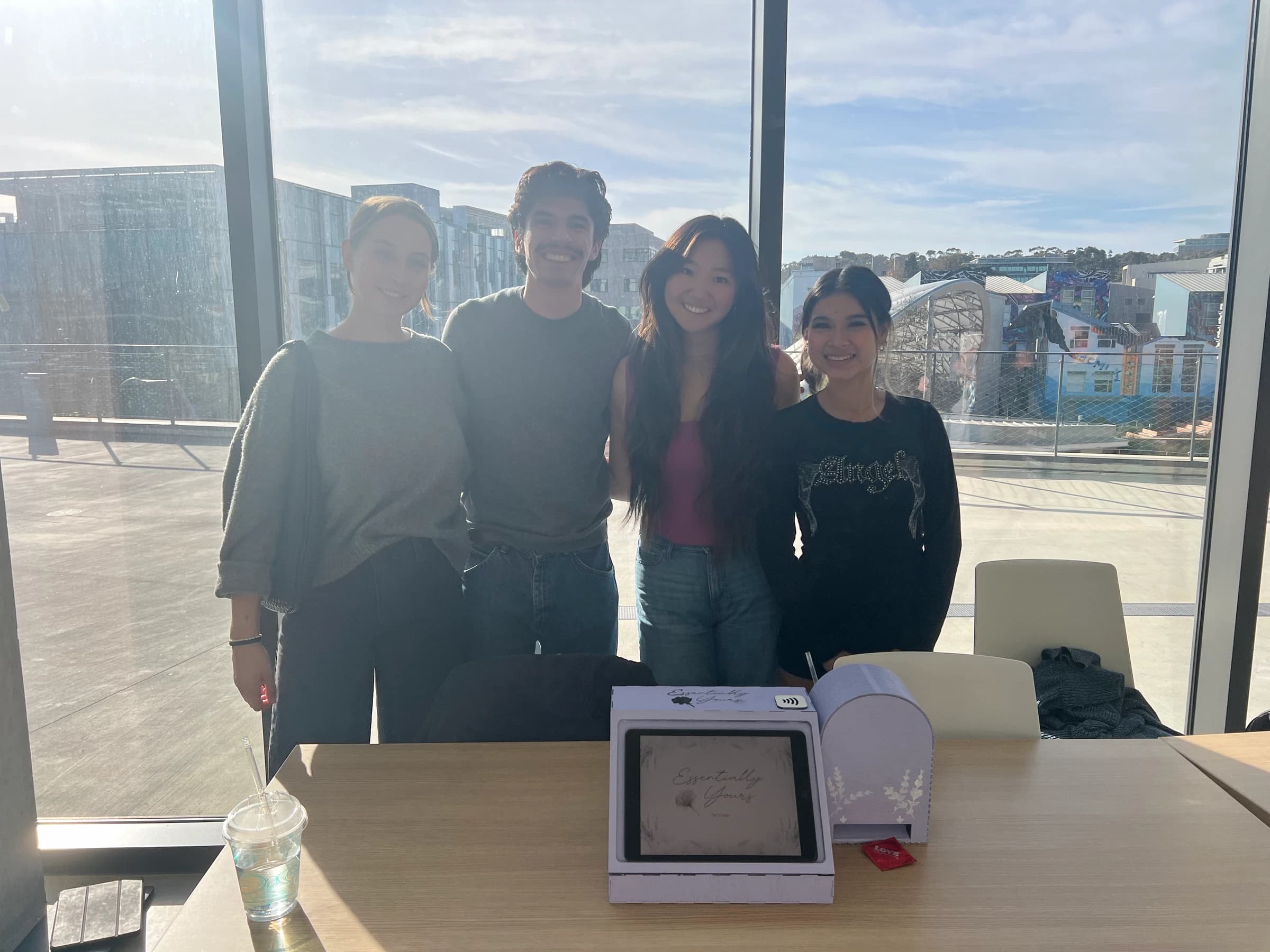
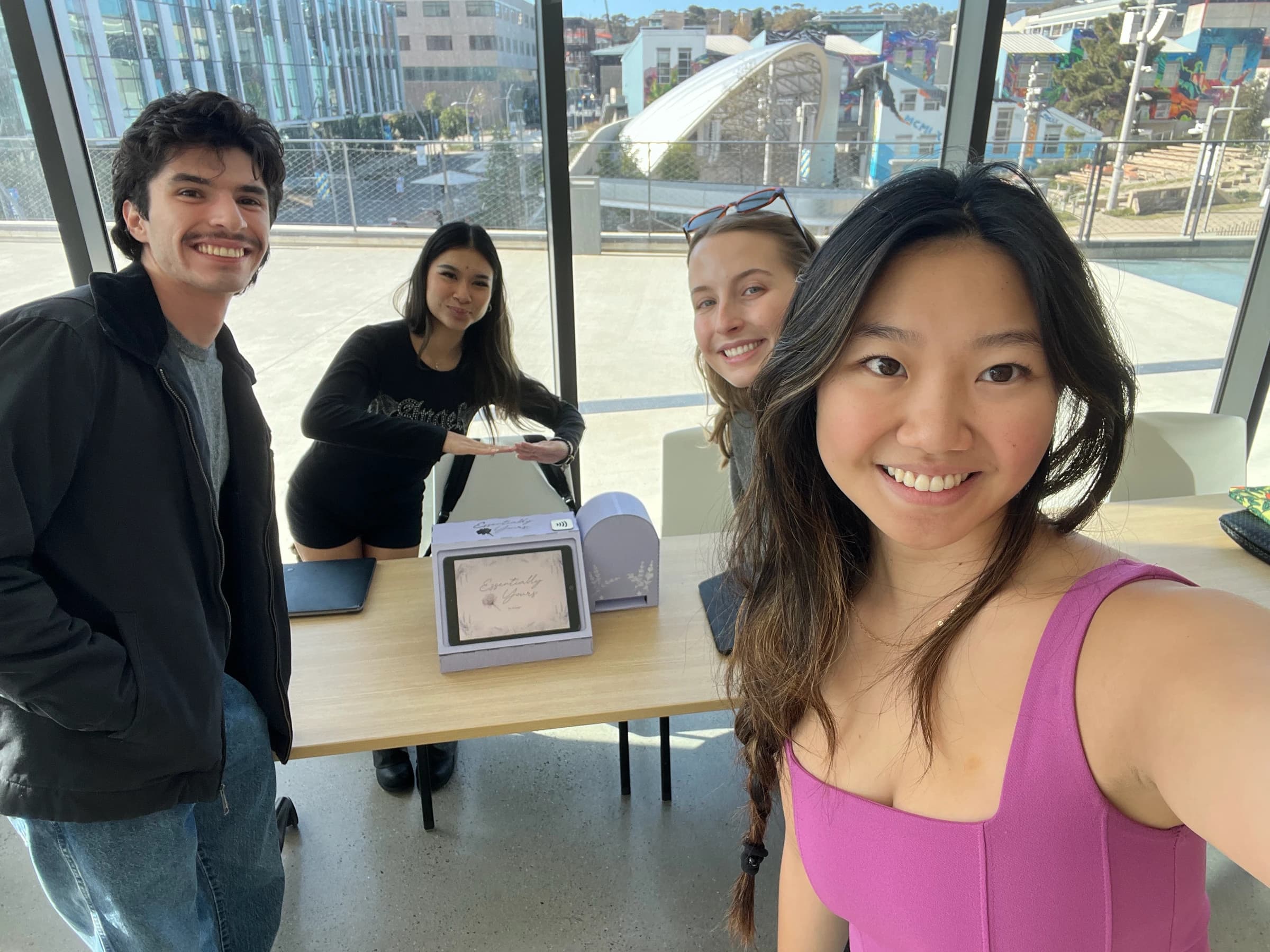
A special thank you to the DSGN 100 teaching team and the Makerspace staff for their continuous support throughout this project. Most of all to an amazing and dedicated team, it was truly an incredible experience working with you all!!
Jake Villasenor, Emily Nguyen, Riley Sether, Marisa Kawakami (thats me :))